

The site was throwing errors. Visitors were bouncing. Bookings had quietly stopped coming in. When we logged in to take a look, it didn’t take long to realize this wasn’t a hosting glitch — the site had been under active attack for days.
The First Signs Something Was Wrong
Nothing dramatic tipped us off at first. Pages loading slowly. Odd error messages. A general sense that the site “just wasn’t right.” That’s usually how it goes — WordPress attacks rarely announce themselves with a big red warning. They creep in quietly, and by the time something visibly breaks, the damage is already done.
What We Found When We Looked Closer
Once we started digging through the server logs and file system, the full picture came into focus — and it was worse than expected.
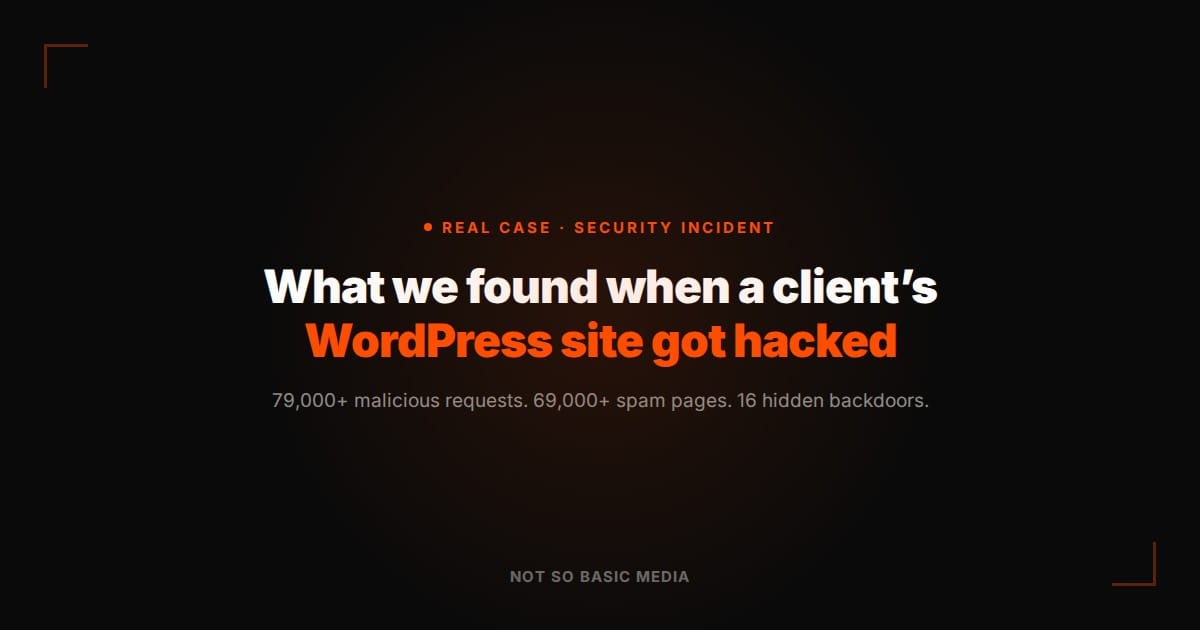
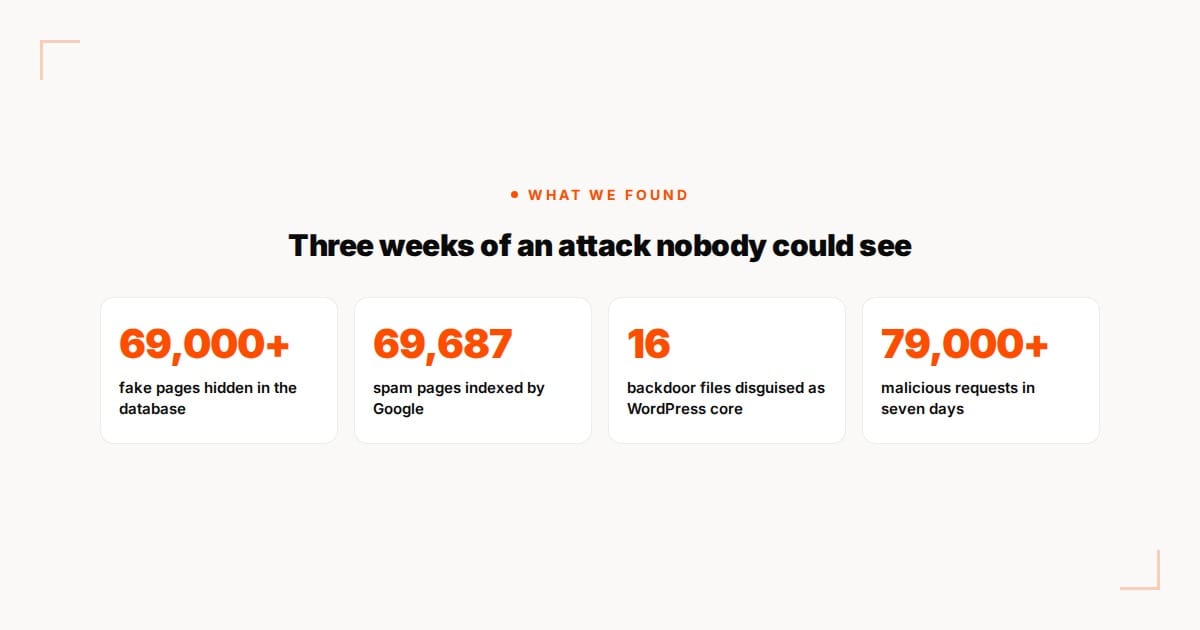
- 79,000 malicious requests hitting the site in just seven days.
- 69,000+ fake pages (online casinos and fake shops) injected into the site’s database.
- 16 backdoor files hidden inside WordPress core, disguised to look like legitimate system files.
Worse: Google had already started indexing the spam pages. Search for the wrong keyword, and the client’s own domain was showing up next to casino ads that had nothing to do with their business.
How Attackers Usually Get In
We can’t always pin down the exact entry point with certainty, but in the vast majority of cases like this, it comes down to one or more of the same handful of weaknesses: outdated plugins with known vulnerabilities, weak or reused admin passwords, no login attempt limits, and no firewall standing between the public internet and the WordPress admin panel. None of these require a sophisticated hacker — automated bots scan millions of WordPress sites a day looking for exactly this kind of opening.
What We Did: Cleanup in Three Days
Once we understood the scope of the infection, the priority was containment first, cleanup second.
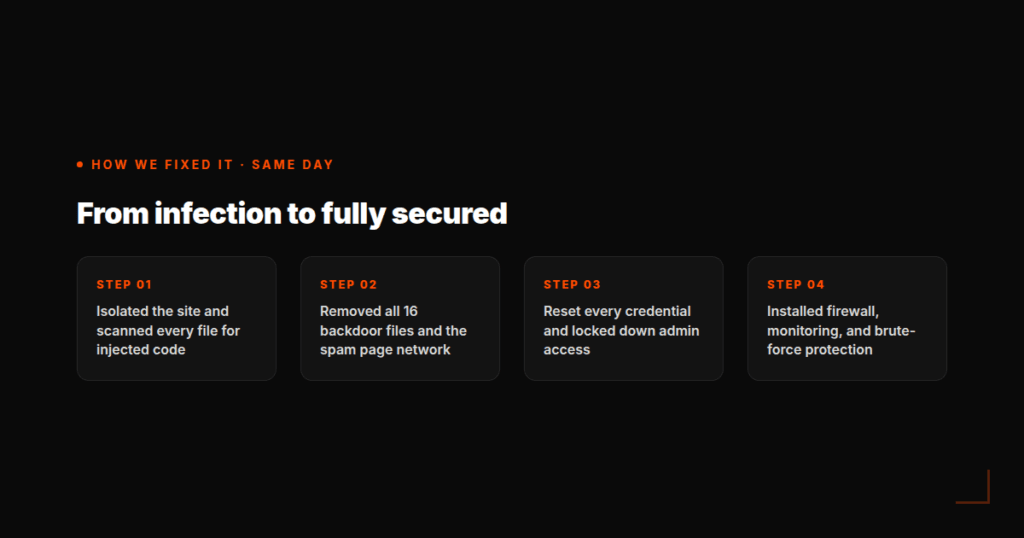
- Isolated the site and scanned every file for injected or modified code.
- Removed all 16 backdoor files and the entire network of spam pages.
- Reset every credential — admin accounts, database, FTP, hosting panel — and locked down access.
- Installed a firewall, malware monitoring, and brute-force login protection so the same door couldn’t be used twice.
The whole cleanup took three days. But speed of response was never really the lesson here.
How Do You Know If Your WordPress Site Has Been Hacked?
A few warning signs are worth checking for regularly: unexpected pages showing up in Google that you never created (often gambling, pharmacy, or counterfeit product spam), unusually slow load times or server errors with no clear cause, unfamiliar admin users in your WordPress dashboard, and search rankings dropping suddenly for no reason. Any one of these on its own could be nothing. Two or more together is worth investigating immediately.
The client was Kafe Spesial, a café and restaurant in Bergen. The full story, with the timeline and every step we took, is in the case study: How We Recovered Kafe Spesial’s Hacked WordPress Site.
The Bottom Line
Most WordPress sites carry real vulnerabilities right now — outdated plugins, weak credentials, no firewall, no monitoring — and their owners have no idea. A website left unmonitored isn’t neutral; it’s an open door. This client’s site is fully secured now, but the fix came after the damage was already done. It’s far cheaper, and far less stressful, to catch this before it happens.
If you’re not sure where your own site stands, that’s exactly what a security audit is for.